Myweblogin Knowledge Base
Before sending your newsletter you must always send a test email to your self and verify that everything in the email looks correct.
Â
Try clicking on each link to make sure the correct page comes up and do not edit or delete products that you have linked on your newsletter.
Â
Once you are satisfied everything is ok you should synchronise your mailing list by clicking the link in the Left Hand Side menu called:
Â
Sync Now
Â
This will make sure that all your customers who have opted in to your mailing list will get an email sent to them.
Â
You should also update the email credits and email list statistics by clicking the + con next to the left hand menu that says:
Â
eMail Credits.
Â
If your eMail credits are less than the number of people in your Mailing List you will need to purchase more email credits. By clicking the linkÂ
Â
Buy MoreÂ
Â
And following the directions.
Â
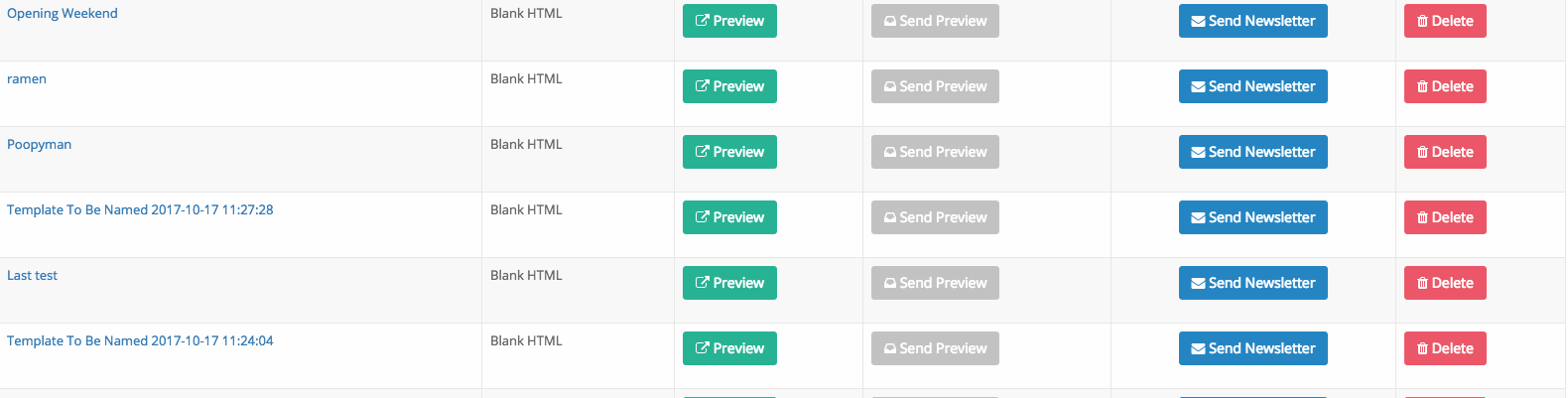
Once you have done all of this you are ready to send your newsletter by clicking the Send Newsletter icon.
Â
On the next page you will prompted to choose which List to send to  from the drop down list and then click the button:
Â
Send Newsletter
Â
Once this is done the newsletter will be sent when your turn in the queue comes up.
Added: 2013-7-31 and last modified: 2018-11-13