Myweblogin Knowledge Base
To view and test your newsletter, go to:
Â
Marketing :: Email Marketing :: Email Newsletters
Â
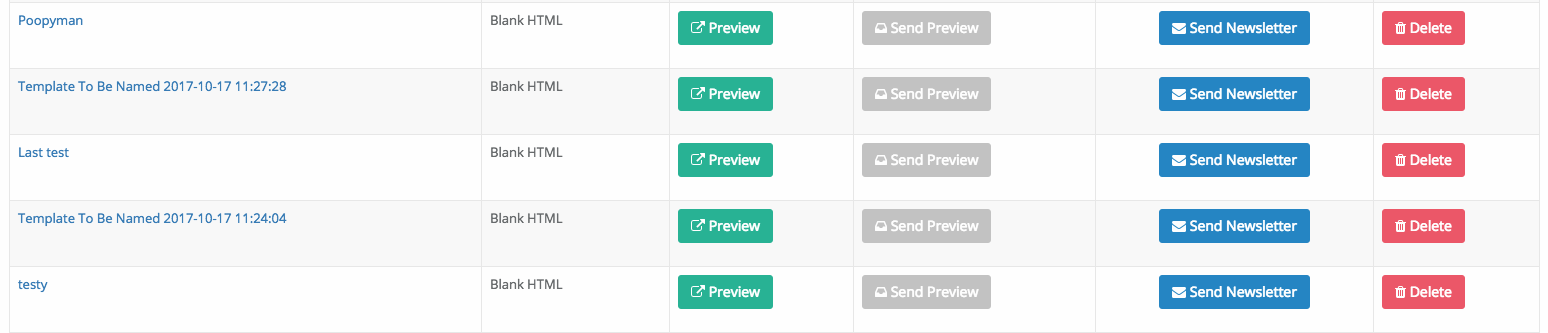
Then click on the Preview icon to preview the email in a new window. Or of you want to send a test email click the Test Icon and enter your email address.
Â
You can edit the email by clicking on the name of the newsletter.
Â
You can change your email template when you are editing the newsletter but you may lose your already entered work if you do so.
Added: 2013-7-31 and last modified: 2018-11-06